
Blog
Tips, guides, and inspiration for laser engraving.
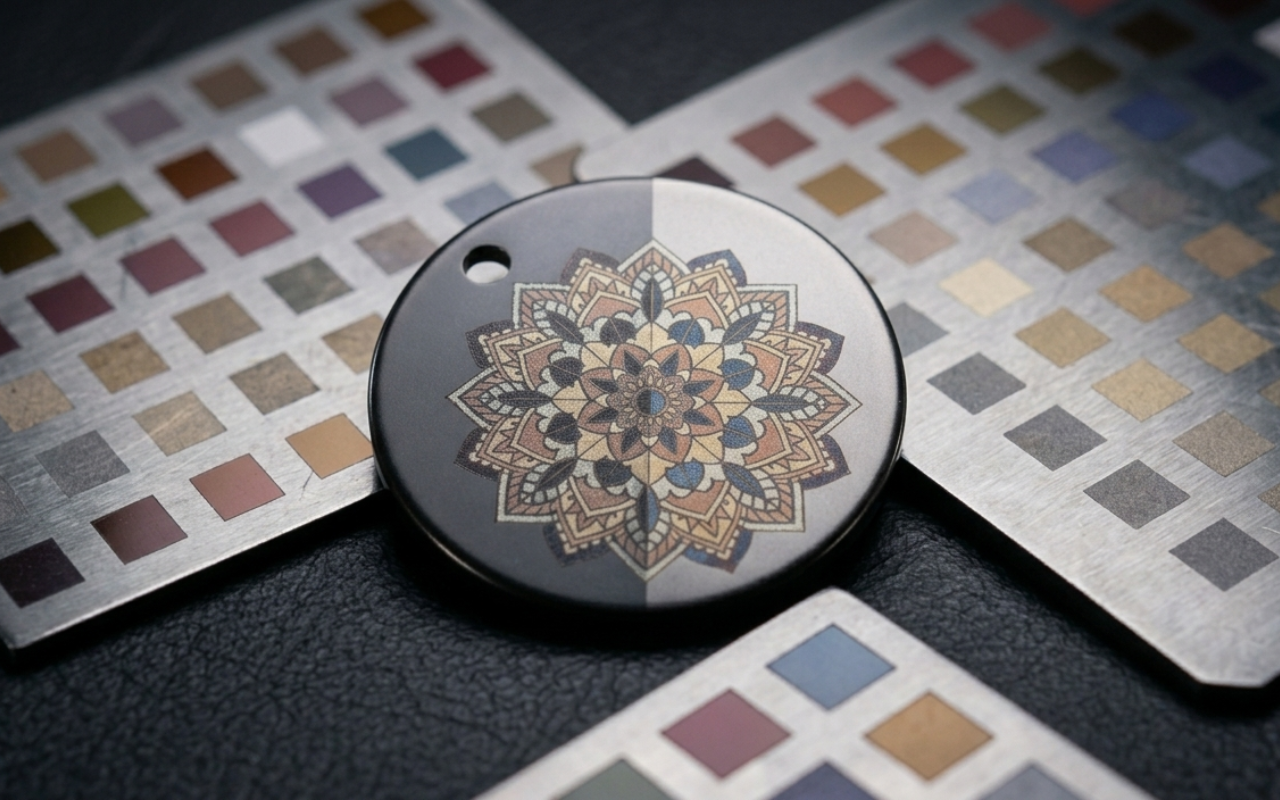
Laser Color Studio: Engrave Your Fiber Laser in Real Color
How to turn your fiber laser's tested frequency, speed, and lines/cm settings into a reusable color palette, paint any SVG with it, and export ready-to-burn LightBurn (.lbrn2) and xTool xCS (.xcs) files. Built for MOPA, F1 Ultra and F2 Ultra.
Read more →
How to Create 3D Text for Laser Engraving (Easy Workflow)
A simple guide to creating professional 3D-style text engravings using shadow effects, contours, and engraving-ready text workflows.
Read more →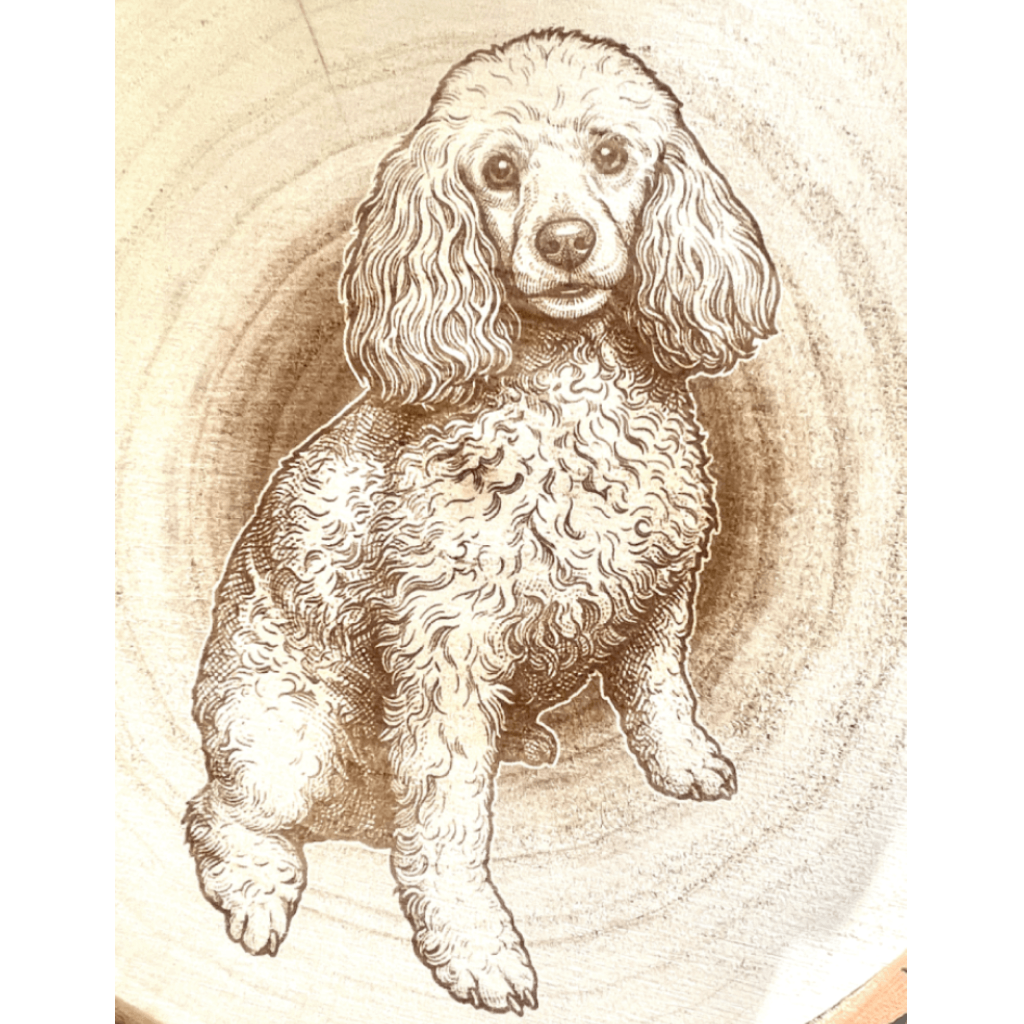
Why Laser Engravings Look Burnt (Causes + Easy Fixes)
Discover why laser engravings appear burnt and how to fix common issues like contrast, power settings, and poor image preparation.
Read more →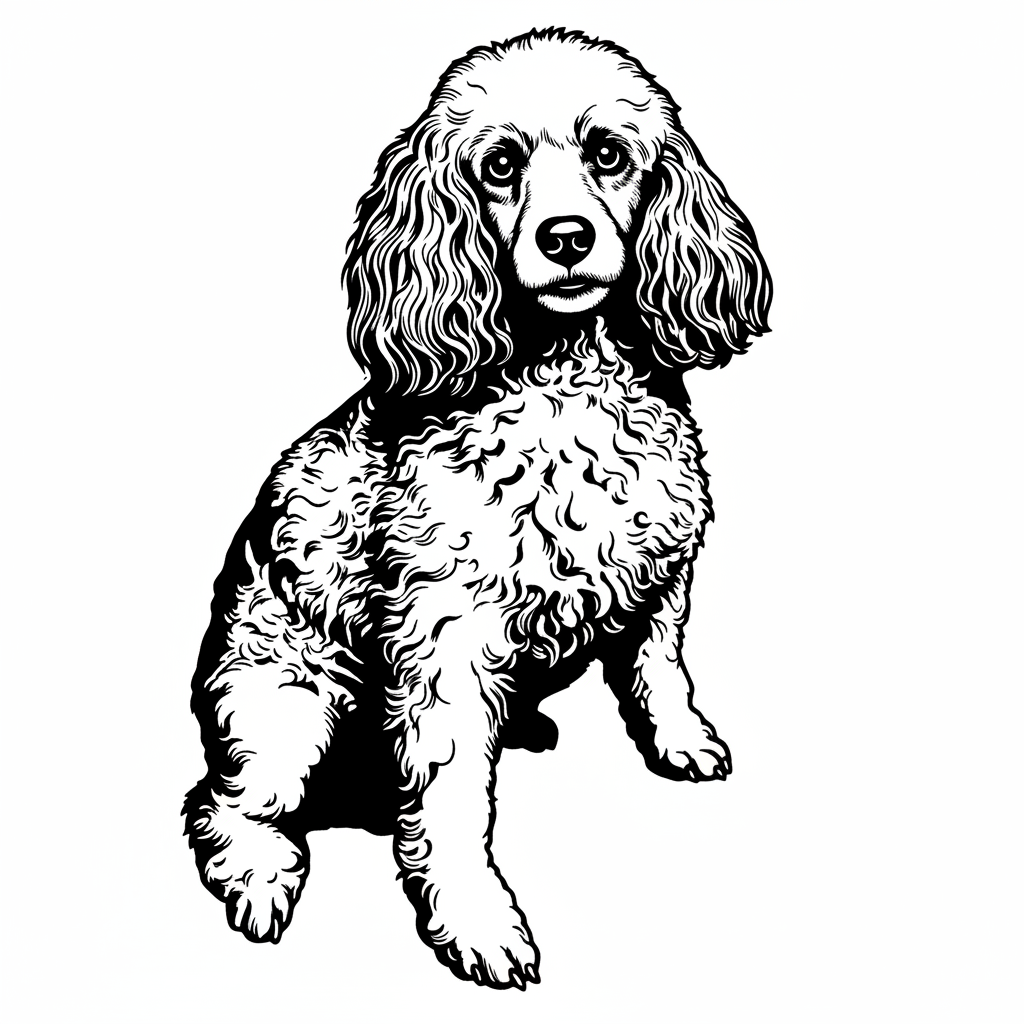
PNG vs SVG for laser engraving (and why your conversions look bad)
Understand PNG vs SVG for laser engraving, why vectorizing photos often fails, and how AI preprocessing improves portrait-to-SVG results dramatically.
Read more →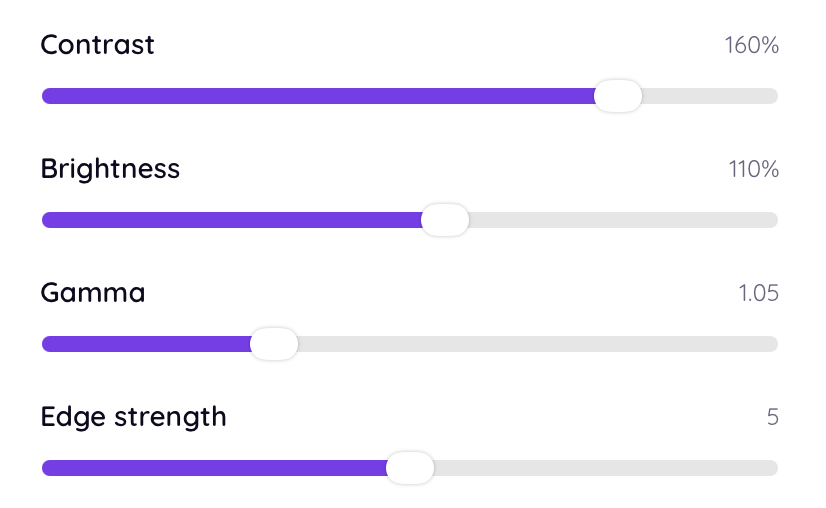
Best image settings for laser engraving (DPI, contrast, brightness explained)
A simple guide to laser engraving image settings including DPI, contrast, and brightness to help you achieve sharper, cleaner engraving results.
Read more →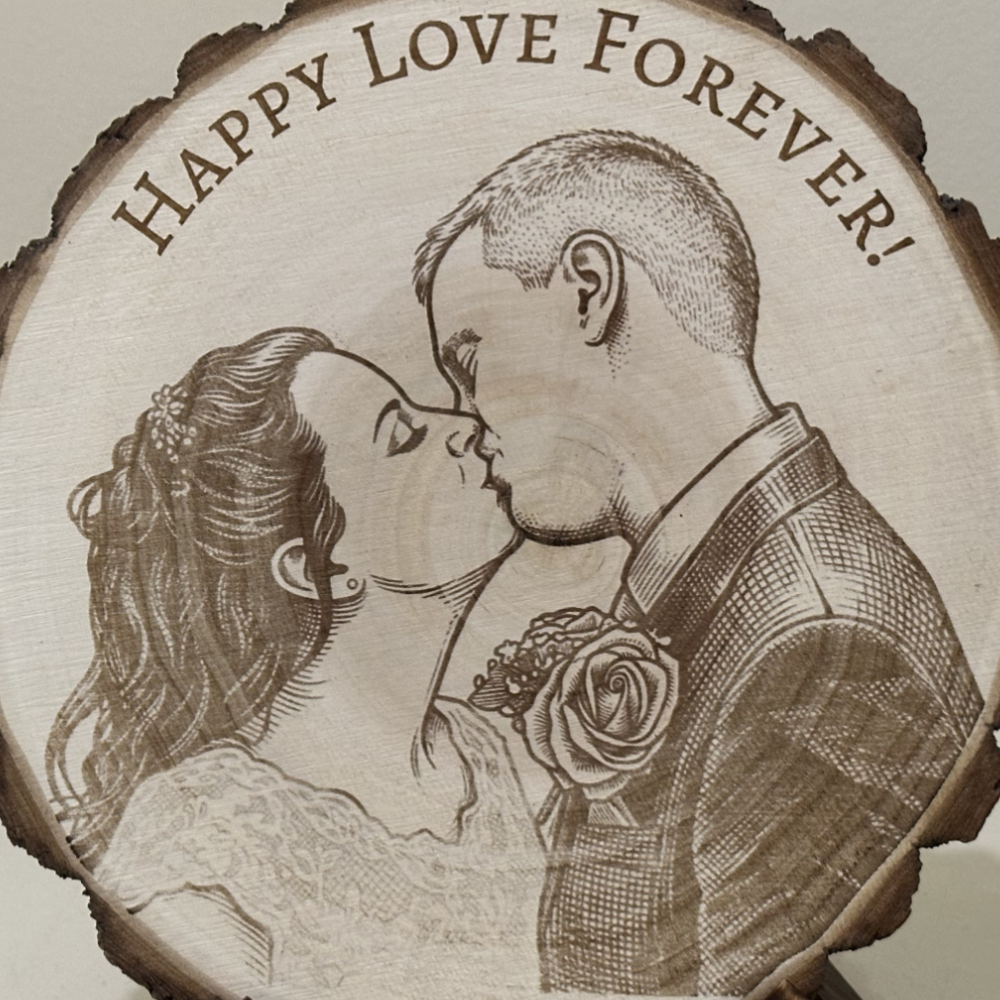
How to convert a photo into a laser engraving file (step-by-step)
Step-by-step guide to converting photos into laser engraving files, including contrast, dithering, and how to get sharp, consistent engraving results automatically.
Read more →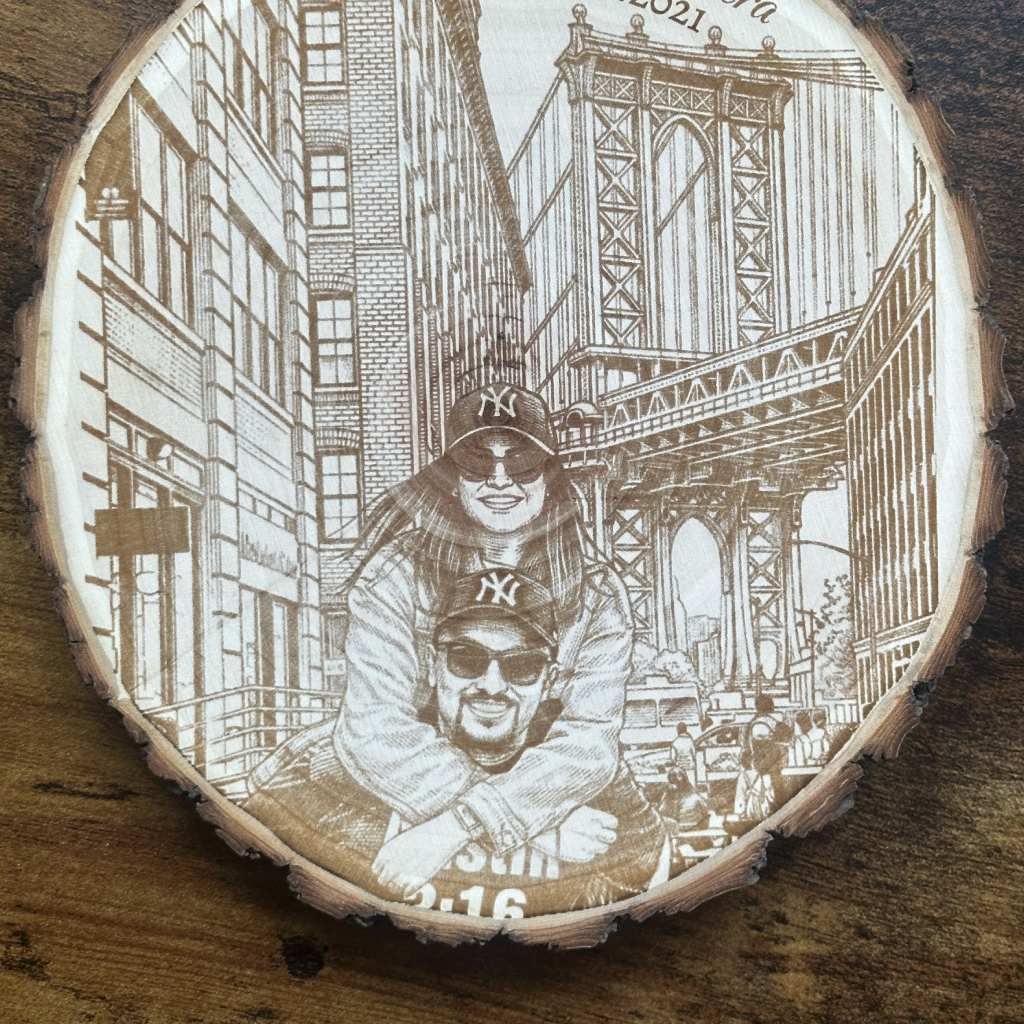
Why your laser engravings look blurry (and how to fix it)
Learn why laser engravings look blurry and how to fix image preparation issues to get sharper, cleaner engraving results every time.
Read more →10 LightBurn Tips That Will Save You Hours
Practical LightBurn settings, shortcuts, and workflow tweaks for photo engraving, vector cutting, and getting consistent results across wood, leather, slate, and acrylic.
Read more →The Complete Glowforge Guide for New Owners
Everything we wish we'd known before our first Glowforge job: focus, materials, masking, photo engraving settings, and the small habits that keep results consistent across hundreds of pieces.
Read more →The Maker's Guide to Going from Photo to Engraving
A complete, machine-agnostic walkthrough of how to turn a customer's phone photo into a clean engraving file: choosing the image, prepping it, vectorising vs rastering, mocking up, and batching for repeat orders.
Read more →