
How to Create 3D Text for Laser Engraving (Easy Workflow)
A simple guide to creating professional 3D-style text engravings using shadow effects, contours, and engraving-ready text workflows.
How to Create 3D-Looking Text Engravings for Laser Projects
Clean text engravings are great but adding depth effects can make your projects look dramatically more premium and professional.
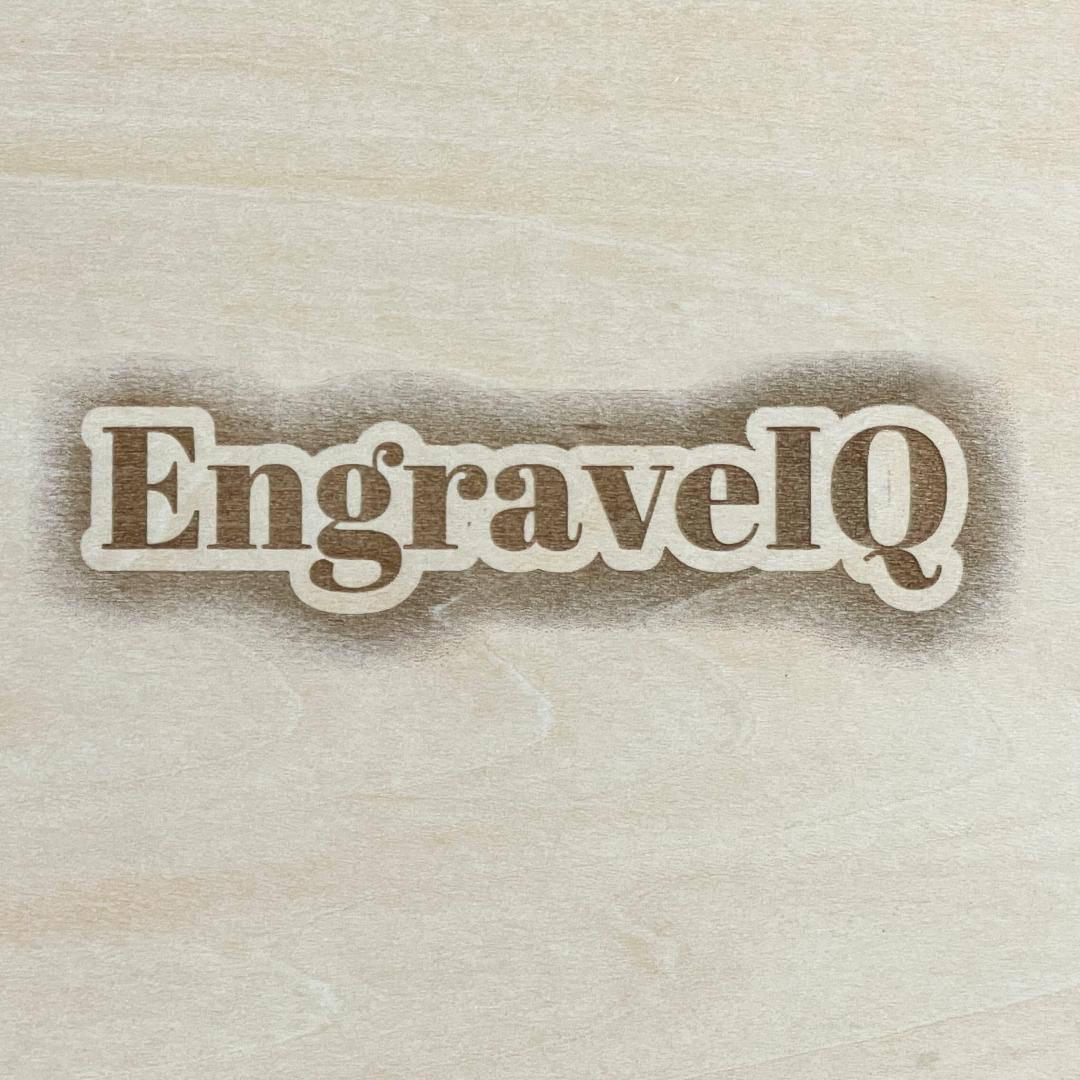
By combining contours, shadows, and layered spacing, you can create text engravings that appear almost three-dimensional once engraved onto wood, slate, acrylic, or metal.
🧠 What makes text look “3D” when engraved?
The illusion of depth comes from separating the text from the background using shadows and outlines.
This usually includes:
- Drop shadows behind the text
- Contour or outline layers
- Spacing between foreground and shadow
- High contrast engraving preparation
When engraved correctly, these layers create a realistic depth effect that makes the text visually pop from the material surface.
⚠️ Why most text engravings look flat
Standard engraving text often looks flat because it lacks separation from the background.
Common issues include:
- No shadow or depth layer
- Weak contrast between text and material
- Thin outlines that disappear during engraving
- Poor spacing between design elements
Even beautiful fonts can lose impact without proper engraving preparation.
🎯 The easiest way to create depth effects
Traditionally, creating layered engraving text required multiple design tools and manual editing workflows.
Users had to manually create contours, align shadow layers, adjust offsets, and export engraving-ready files separately.
🚀 Faster workflow with automatic shadow + contour generation
Tools like EngraveIQ simplify this entire process using a dedicated laser engraving text generator.
The tool automatically:
- Applies realistic drop shadow effects
- Creates clean contour outlines automatically
- Optimizes spacing for engraving clarity
- Generates engraving-ready output instantly
This makes it possible to create premium-looking engraved text in seconds instead of manually building layered designs.
✨ Best materials for 3D-style engraving text
Depth-style engravings work especially well on:
- Wood signs
- Slate coasters
- Layered acrylic projects
- Personalized gift products
- Business signage
The added shadow depth becomes especially noticeable once engraved under directional light.
🧩 Final thoughts
Small shadow and contour details can completely transform how professional an engraving looks. Adding depth effects is one of the easiest ways to create more premium-looking laser engraving products.
✨ Try it yourself
Create engraving-ready 3D text instantly using EngraveIQ’s automatic text generator.
Create 3D engraving text →